
 Author Esenceweb
What Is Business Automation Software?
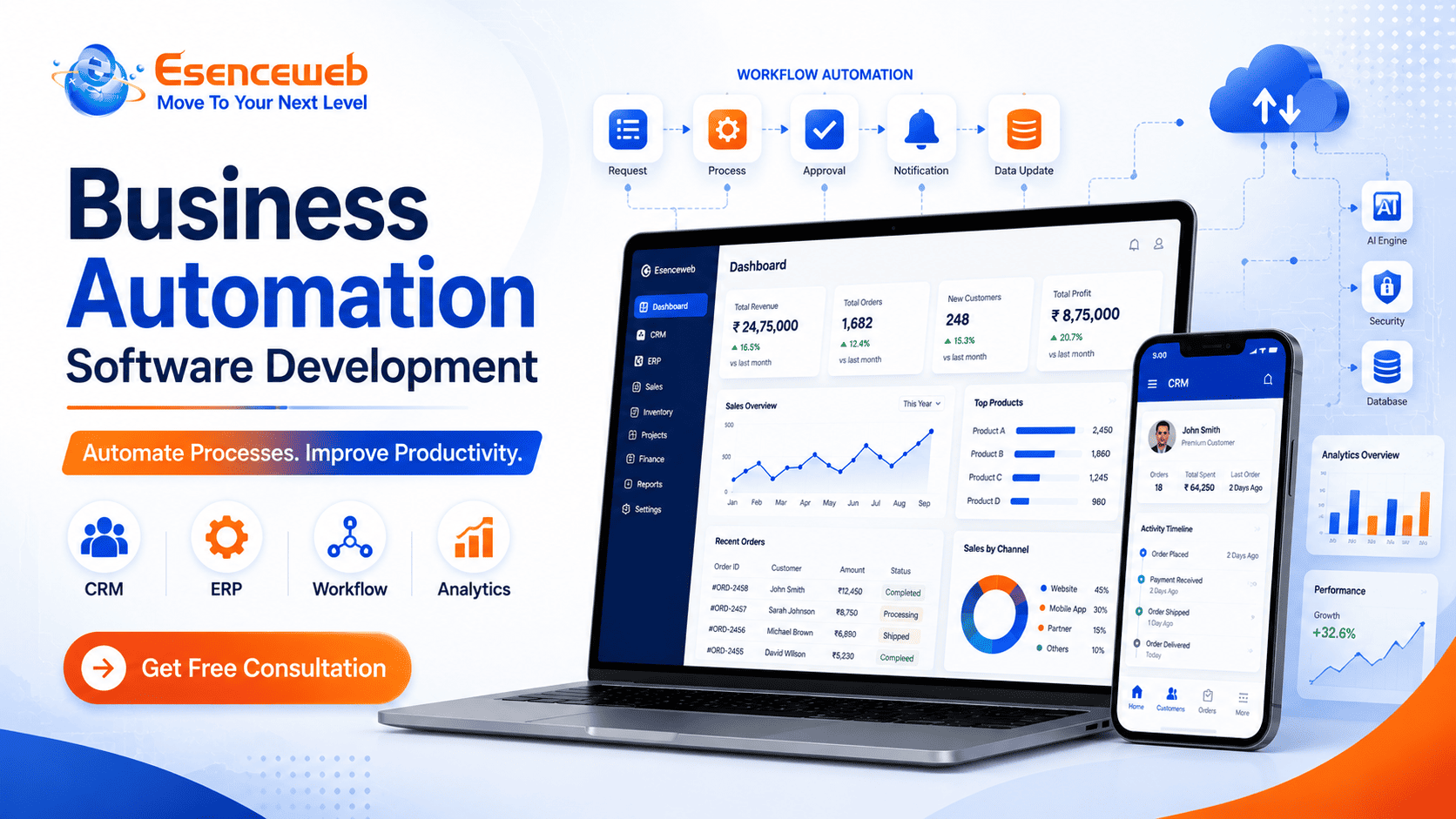
Business automation software is a digital platform designed to automate repetitive tasks, workflows, approvals, data processing, notifications, reporting, and communication between different business functions.
Instead of employees manually moving information between spreadsheets, emails, CRM systems, accounting software, ERP platforms, and other tools, automated workflows can transfer information according to predefined business rules.
For example, a typical automated sales workflow could look like:
Customer Enquiry ? CRM ? Sales Follow-Up ? Quotation ? Approval ? Invoice ? Payment ? Reporting
The objective is not simply to replace manual work. A properly designed automation platform creates a connected operating environment where teams can access accurate information and management can monitor important business activities more efficiently.
Why Do Businesses Need Automation?
Manual processes often become difficult to manage as an organization grows. A process that works for a small team may become inefficient when the company has hundreds of employees, multiple locations, thousands of customers, large inventories, or complex approval structures.
Common operational challenges include:
- Duplicate data entry
- Human errors
- Delayed approvals
- Manual reporting
- Missed customer follow-ups
- Disconnected departments
- Slow order processing
- Poor inventory visibility
- Difficulty monitoring employees and processes
- Lack of real-time business information
Custom business process automation software can connect these activities through centralized workflows and provide management with a clearer view of day-to-day operations.
Business Processes That Can Be Automated
1. Sales Automation
Sales automation software can help businesses manage prospects from the first enquiry through qualification, follow-up, quotation, conversion, and customer onboarding.
- Lead capture
- Lead assignment
- Follow-up reminders
- Sales pipeline management
- Quotation generation
- Sales activity tracking
- Conversion reporting
- Sales performance analytics
2. CRM Automation
A custom CRM automation platform centralizes customer information and helps sales and support teams manage communication more consistently.
- Lead management
- Customer management
- Follow-up scheduling
- Opportunity management
- Communication history
- Customer support requests
- Sales representative performance
3. Inventory Automation
Businesses managing large product catalogs or multiple warehouses can use inventory automation to improve stock visibility and reduce manual inventory operations.
- Real-time stock tracking
- Product management
- Warehouse transfers
- Barcode integration
- Low-stock alerts
- Purchase management
- Stock adjustment workflows
- Inventory reports
- Multi-location inventory management
4. Procurement Automation
Procurement automation can digitize purchasing activities from purchase requests and supplier evaluation to approvals, purchase orders, receiving, and invoice processing.
- Supplier management
- Purchase requests
- Approval workflows
- Purchase orders
- Vendor comparison
- Purchase tracking
- Invoice management
- Procurement analytics
5. Workflow Automation
Workflow automation is useful when multiple employees or departments must participate in the same business process.
For example:
Employee Request ? Manager Approval ? Finance Approval ? Processing ? Notification
A digital workflow can provide status visibility while automatically notifying the appropriate user when an action is required.
Business Automation Solutions for Different Industries
Manufacturing
Manufacturers can automate production planning, procurement, inventory, warehouse operations, quality workflows, approvals, and management reporting. Custom manufacturing automation software can also integrate with ERP and production systems.
Logistics and Transportation
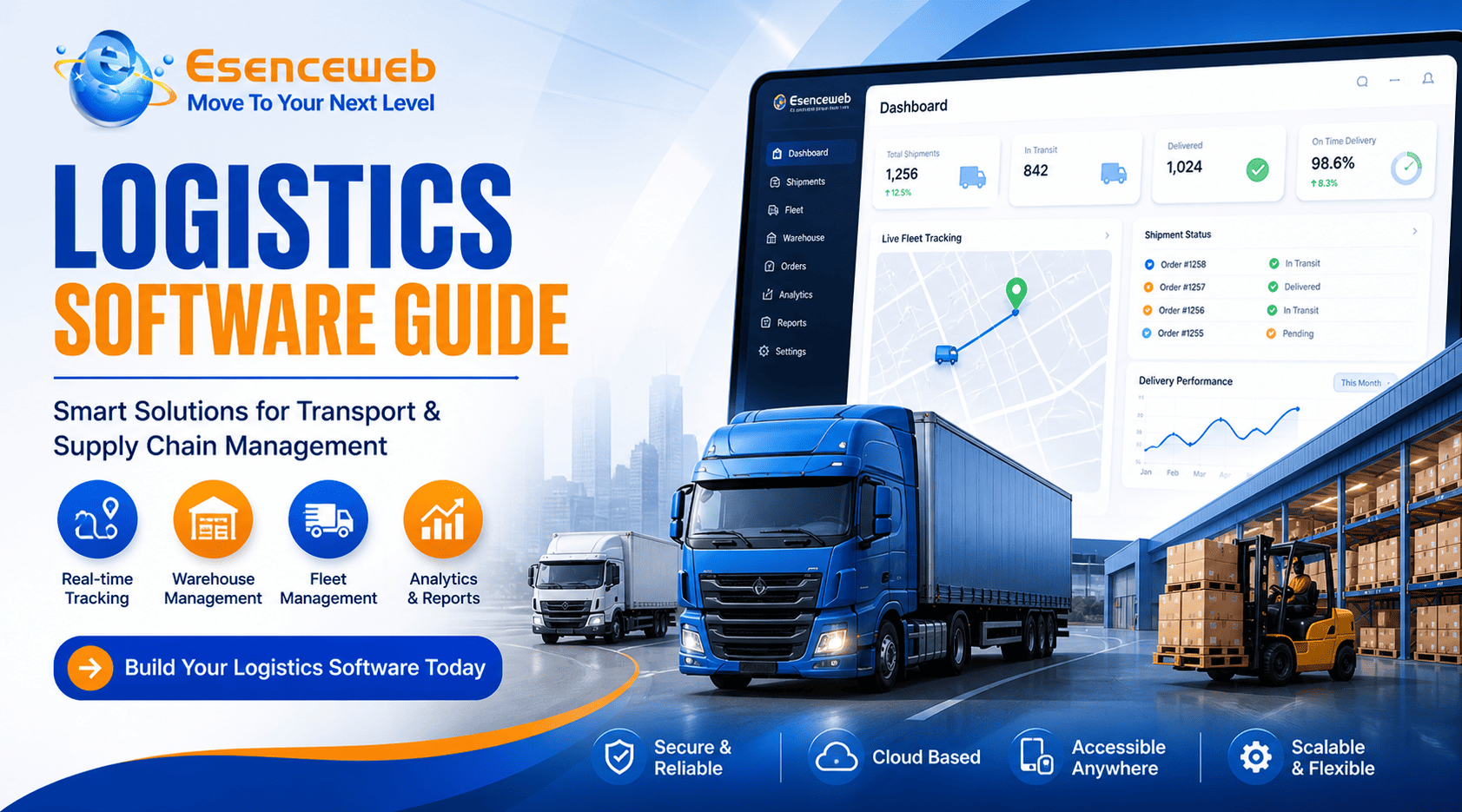
Logistics companies can automate shipment management, fleet operations, driver workflows, GPS tracking, route management, delivery updates, customer notifications, and logistics reporting.
Warehousing and Distribution
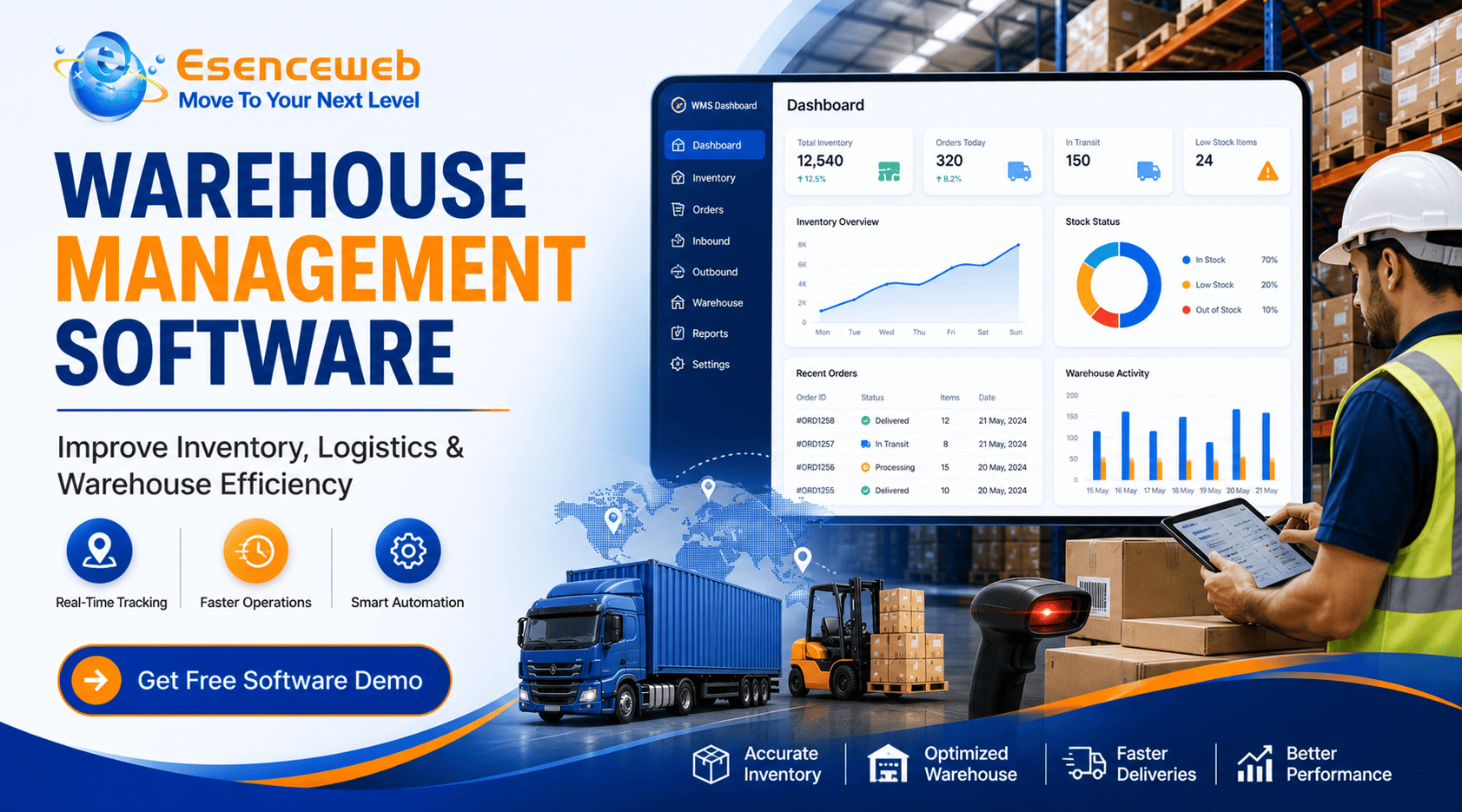
Warehouse automation software can connect receiving, inventory, picking, packing, dispatch, stock transfers, barcode operations, and warehouse reporting.
Retail and eCommerce
Retail and eCommerce businesses can automate product management, customer orders, payments, inventory, promotions, notifications, customer communication, and sales reporting.
Healthcare
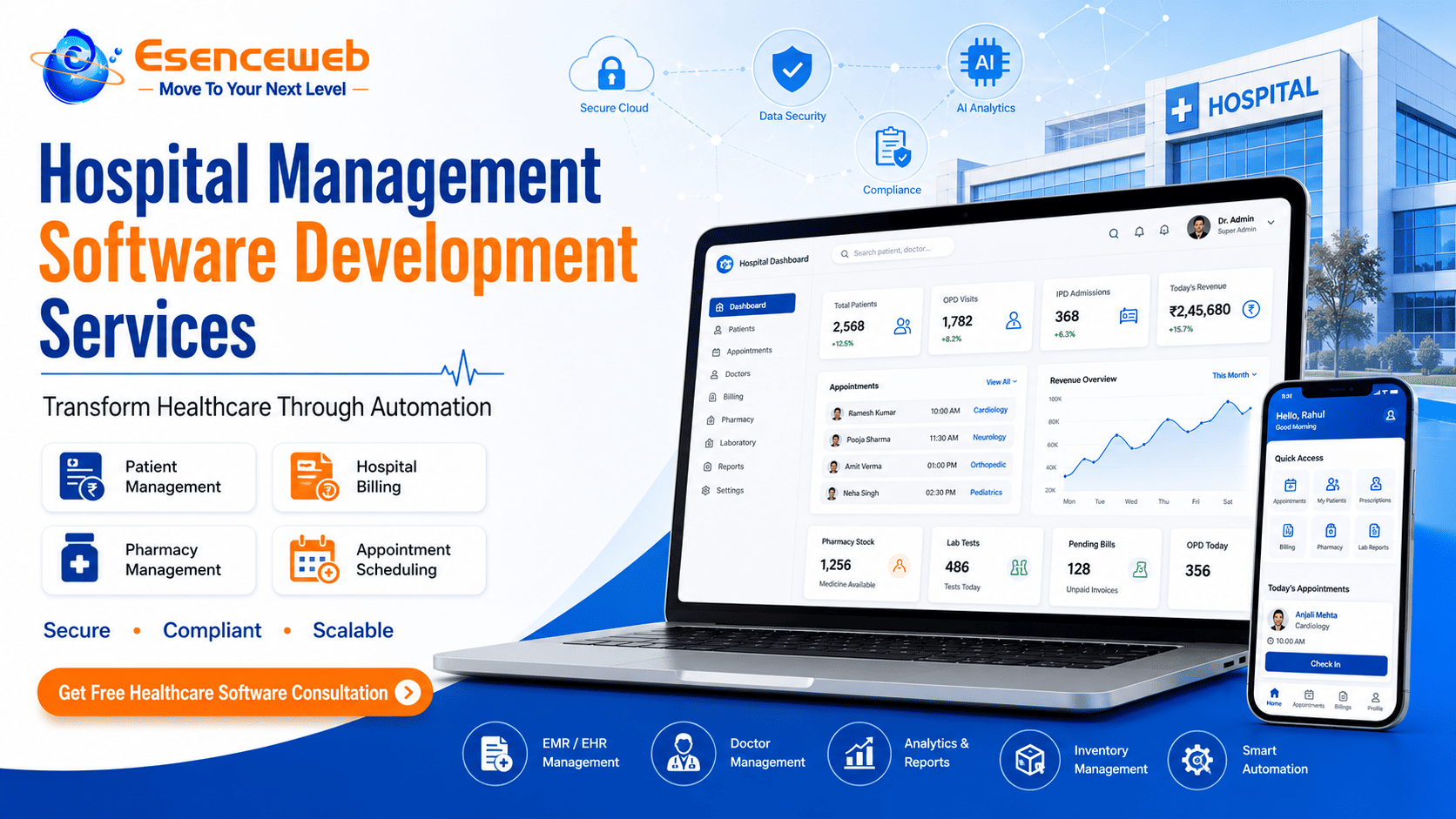
Healthcare organizations can digitize workflows involving appointments, patient registration, billing, pharmacy, laboratory operations, staff management, and administrative processes.
Professional Services
Service-based businesses can automate lead management, quotations, project assignments, task tracking, invoicing, customer communication, and performance reporting.
Key Features of Custom Business Automation Software
Centralized Business Dashboard
Management dashboards can display important operational metrics such as sales, inventory, orders, procurement, customer activity, and financial indicators in a centralized interface.
Role-Based Access
Users can receive permissions according to their responsibilities. Administrators, managers, sales teams, warehouse staff, finance teams, and other users can have different access levels.
Automated Notifications
Notifications can be triggered when approvals, payments, tasks, follow-ups, stock changes, or other business events require attention.
CRM Integration
CRM integration can connect lead management, customer information, communication, sales pipelines, and follow-up processes with other business operations.
ERP Integration
ERP integration can connect business automation workflows with inventory, procurement, accounting, manufacturing, finance, and other enterprise operations.
API Integration
APIs can be used to connect existing applications, payment services, shipping platforms, accounting systems, communication tools, and other business technologies.
Analytics and Reporting
Custom dashboards and reports help decision-makers understand business performance and identify operational bottlenecks.
Mobile Accessibility
Responsive business applications and dedicated mobile apps can allow employees and managers to access important workflows while working remotely or in the field.
Cloud-Based Architecture
Cloud deployment can provide centralized access, scalable infrastructure, remote availability, and easier system management when designed according to the organization's requirements.
Benefits of Custom Business Automation Software
Reduce Repetitive Work
Automating repetitive administrative activities allows employees to spend more time on customer service, sales, analysis, and other higher-value activities.
Improve Data Accuracy
Centralized workflows can reduce duplicate records and unnecessary manual data entry, helping teams work with more consistent information.
Increase Operational Visibility
Management dashboards can provide better visibility into sales, inventory, procurement, logistics, workflow status, and other important processes.
Speed Up Approvals
Automated approval workflows can route requests to the appropriate users and notify them when action is required.
Improve Customer Service
When customer information and operational status are easier to access, teams can respond to enquiries and requests more efficiently.
Support Business Growth
A scalable automation platform can evolve as the organization adds new users, locations, products, departments, integrations, and workflows.
Custom vs Ready-Made Business Automation Software
Businesses often need to decide whether to purchase an existing software product or invest in custom business automation development.
Ready-Made Software
Off-the-shelf software can be appropriate when standard workflows meet most business requirements.
- Standard business processes
- Limited customization requirements
- Faster initial deployment
- Predictable feature set
Custom Automation Software
Custom software can be more suitable when a company has unique workflows, complex integrations, industry-specific requirements, or needs greater control over its technology platform.
- Unique business processes
- Complex CRM or ERP integration
- Industry-specific workflows
- Advanced automation requirements
- Multiple business locations
- Custom reporting and dashboards
- Long-term scalability requirements
The right solution should be selected based on business processes, total cost of ownership, integrations, security, scalability, user requirements, and long-term objectives rather than initial software price alone.
Why Choose Esenceweb for Business Automation Software Development?
Selecting the right technology partner is important because automation software becomes part of the organization's daily operations.
At Esenceweb, we specialize in custom business automation software development focused on practical business outcomes.
Instead of building software around unnecessary features, we focus on understanding existing workflows, identifying bottlenecks, defining automation opportunities, and creating scalable digital solutions.
Our solutions can include:
- Custom Business Automation Platforms
- CRM and ERP Solutions
- Workflow Management Software
- Inventory Management Systems
- Warehouse Management Software
- Logistics Management Platforms
- Manufacturing ERP Solutions
- Sales Automation Software
- Procurement Management Systems
- Business Analytics Dashboards
- Mobile Business Applications
- API and Third-Party Integrations
Our approach focuses on developing solutions that are business-focused, scalable, secure, mobile-friendly, and integration-ready.
Our Business Automation Software Development Process
Step 1: Business Requirement Analysis
We study existing processes, departments, users, software systems, operational challenges, and automation opportunities.
Step 2: Workflow Mapping
Business processes are converted into structured digital workflows with defined users, permissions, actions, approvals, and outcomes.
Step 3: UI/UX Planning
Dashboards and interfaces are designed according to the requirements of different user roles and business departments.
Step 4: Software Development
The application is developed according to the approved architecture, features, integrations, security requirements, and business workflows.
Step 5: API and System Integration
Required CRM, ERP, accounting, payment, logistics, communication, or third-party integrations are implemented.
Step 6: Testing and Quality Assurance
The software is tested for functionality, usability, performance, security, compatibility, and workflow accuracy.
Step 7: Deployment
The application is deployed to the selected hosting or cloud environment and configured for production use.
Step 8: Support and Enhancement
Post-launch maintenance and future enhancements can help the platform adapt as business requirements evolve.
Who Should Invest in Business Automation Software?
Custom automation can be particularly valuable for organizations experiencing operational complexity or rapid growth.
- Growing SMEs
- Manufacturing companies
- Logistics companies
- Distributors
- Retail businesses
- eCommerce companies
- Warehouse operators
- Healthcare organizations
- Financial service businesses
- Multi-location businesses
- Enterprises with complex workflows
If your employees spend significant time entering the same information, following up manually, preparing repetitive reports, transferring data between systems, or waiting for approvals, business automation may be a valuable digital transformation opportunity.
How Much Does Business Automation Software Development Cost?
The cost of custom business automation software depends on the complexity of the workflows, number of modules, integrations, user roles, and technical requirements.
Important cost factors include:
- Number of software modules
- Number of user roles
- UI/UX design requirements
- CRM and ERP integrations
- Mobile application requirements
- API integrations
- Analytics and reporting requirements
- Cloud infrastructure
- Security requirements
- Number of business locations
- Custom workflow complexity
A business should evaluate more than initial development cost. Scalability, security, integration capabilities, usability, maintenance, performance, and expected business ROI are also important when selecting a software development partner.
Frequently Asked Questions About Business Automation Software
What is business automation software?
Business automation software digitizes repetitive business processes, workflows, approvals, reporting, notifications, and operational tasks.
What is custom business automation software?
Custom business automation software is developed specifically around a company's workflows, users, integrations, reporting requirements, and operational objectives.
Can business automation software integrate with CRM and ERP?
Yes. Custom platforms can integrate with CRM, ERP, accounting, inventory, payment, logistics, communication, and other business applications through APIs and appropriate integration technologies.
Can business automation software work on mobile devices?
Yes. Depending on the requirements, businesses can use responsive web applications, progressive web applications, or dedicated Android and iOS mobile applications.
Is business automation suitable for small businesses?
Yes. Small and medium-sized businesses can begin by automating their highest-value workflows and expand the platform as their operations grow.
Can Esenceweb develop business automation software in Pune?
Yes. Esenceweb provides custom software development and business automation solutions for businesses in Pune and clients across India.
Ready to Automate Your Business Operations?
Manual processes should not become a barrier to business growth. If your organization is dealing with repetitive tasks, disconnected software, slow approvals, inventory challenges, manual reporting, or inefficient workflows, it may be time to explore a connected automation solution.
At Esenceweb, we specialize in custom business automation software development designed around your actual business processes.
From CRM and ERP integration to inventory, logistics, manufacturing, procurement, workflow automation, analytics, and mobile applications, we help businesses transform complex operations into connected digital workflows.
Get a Free Business Automation Software Consultation
Esenceweb IT Solutions
Custom Software Development • Business Automation • Enterprise Solutions
Pune, Maharashtra | Serving Businesses Across India




.png)

0 Replies to “Business Automation Software Development Company”
Leave a Reply
Your email address will not be published.